Are you having trouble hearing through your wired headset with Yealink phones? There are a few things you can try before you contact technical support. Let’s troubleshoot:
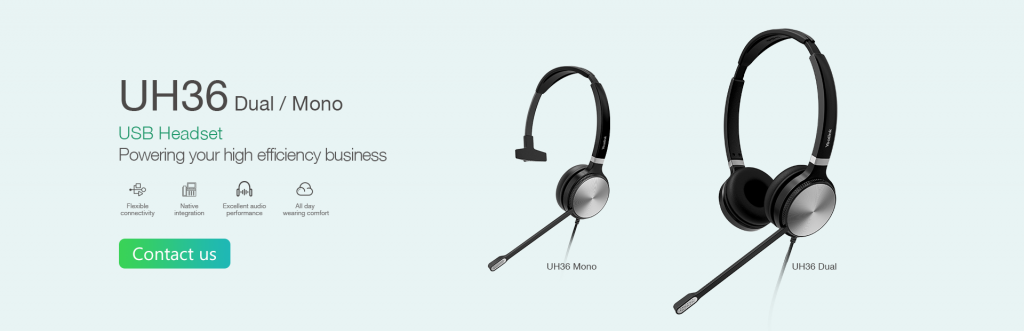
How to Troubleshoot a Wired Headset with Audio Issues
Q: I can’t hear anything from my wired headset connected with a Yealink phone. What can be the cause?
A: The most common causes include hardware problems, compatibility issues, and connection issues. Here is a list of things you can try to troubleshoot your headset:
- Did you change your phone setting to headset mode? There are three channels of Yealink phones- handset, headset, and speakerphone mode. Press the headset button on your phone to activate it. You should see a headset icon displayed on the top left corner of your Yealink phone.
- Make sure your headset and the headset connector are both connected correctly.
- Replace your bad headset with a working headset to test
- Are you using a compatible headset? Click here to download the compatibility list
If none of the above worked for you, you’re welcome to contact our tech support team here: https://www.voipsupply.com/getsupport
The post Troubleshooting: Why My Wired Headset Won’t Work with Yealink Phones? appeared first on VoIP Insider.

from VoIP Insider https://ift.tt/2M3vbsT
via IFTTT

No comments:
Post a Comment